User provisioning is the process of creating accounts and giving employees access to the apps and data they need, then changing or removing that access when their role changes or they leave.
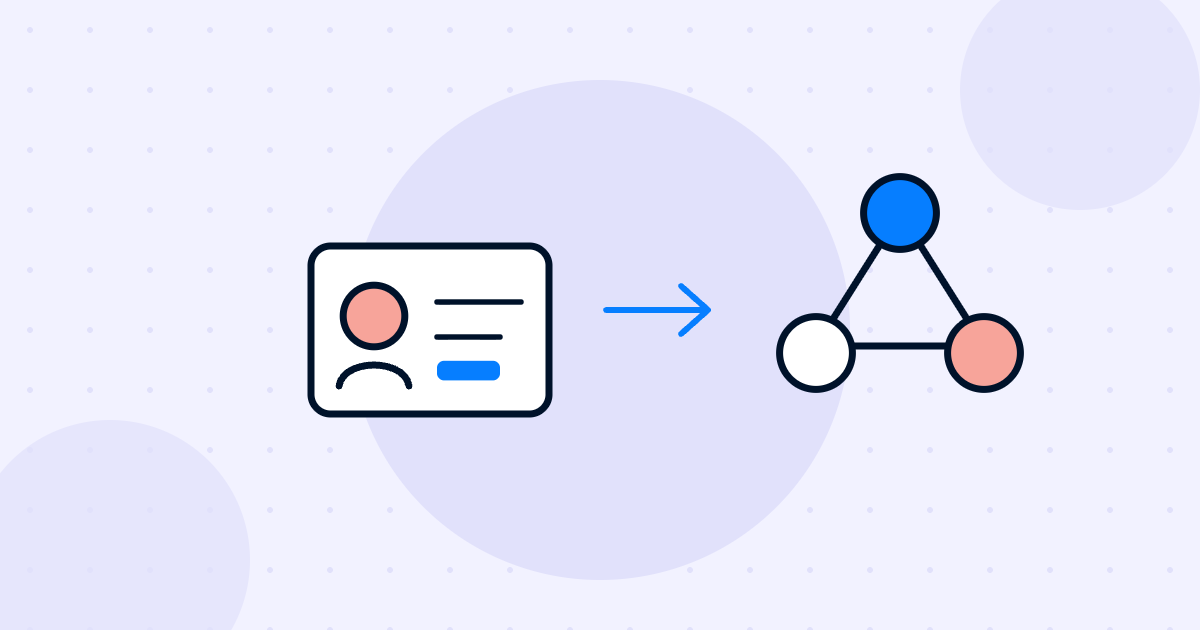
User provisioning is the process of creating user accounts and giving people access to the apps, systems and data they need for their job. Deprovisioning is the reverse: removing that access when it is no longer needed.
It runs across the whole employee lifecycle. Access is set up when someone joins, adjusted when they change roles and removed when they leave. IT usually owns the process, but HR data drives it, because HR knows who is joining, moving and leaving, and when.
A new hire with no laptop login or email on day one loses time and gets a poor first impression. On the other side, a former employee who still has access to company files is a real security risk.
Good provisioning solves both. People get the right access on time, they only get what their role needs, and access is removed quickly when they leave. It also helps with audits, because you can show who had access to what, and when.
Provisioning can be manual, with IT creating accounts from a ticket, or automated, with systems passing data to each other. A typical automated setup looks like this:
Example: a sales rep is hired with a Monday start date. On Thursday, HR confirms the hire. Overnight, the identity provider creates her account and adds her to the Sales group, which gives her email, the CRM and the sales chat channel. When she moves to marketing a year later, her group changes and her CRM access is removed without anyone filing a ticket.
Provisioning creates accounts and grants access. Deprovisioning disables accounts and removes access, usually when someone leaves or no longer needs a tool.
SCIM (System for Cross-domain Identity Management) is an open standard that lets an identity provider create, update and remove user accounts in other apps automatically.
Usually both. HR provides the trigger and the data, like start date and role. IT sets up and manages the access. Connecting your HR tools through integrations keeps the two teams in sync.

Transform onboarding, offboarding, and everything in between with newployee. Schedule your personalized demo today!
Schedule a demo